Docs
Run a comparison
Compare two environments or git branches, pick which pages, and re-run quickly.
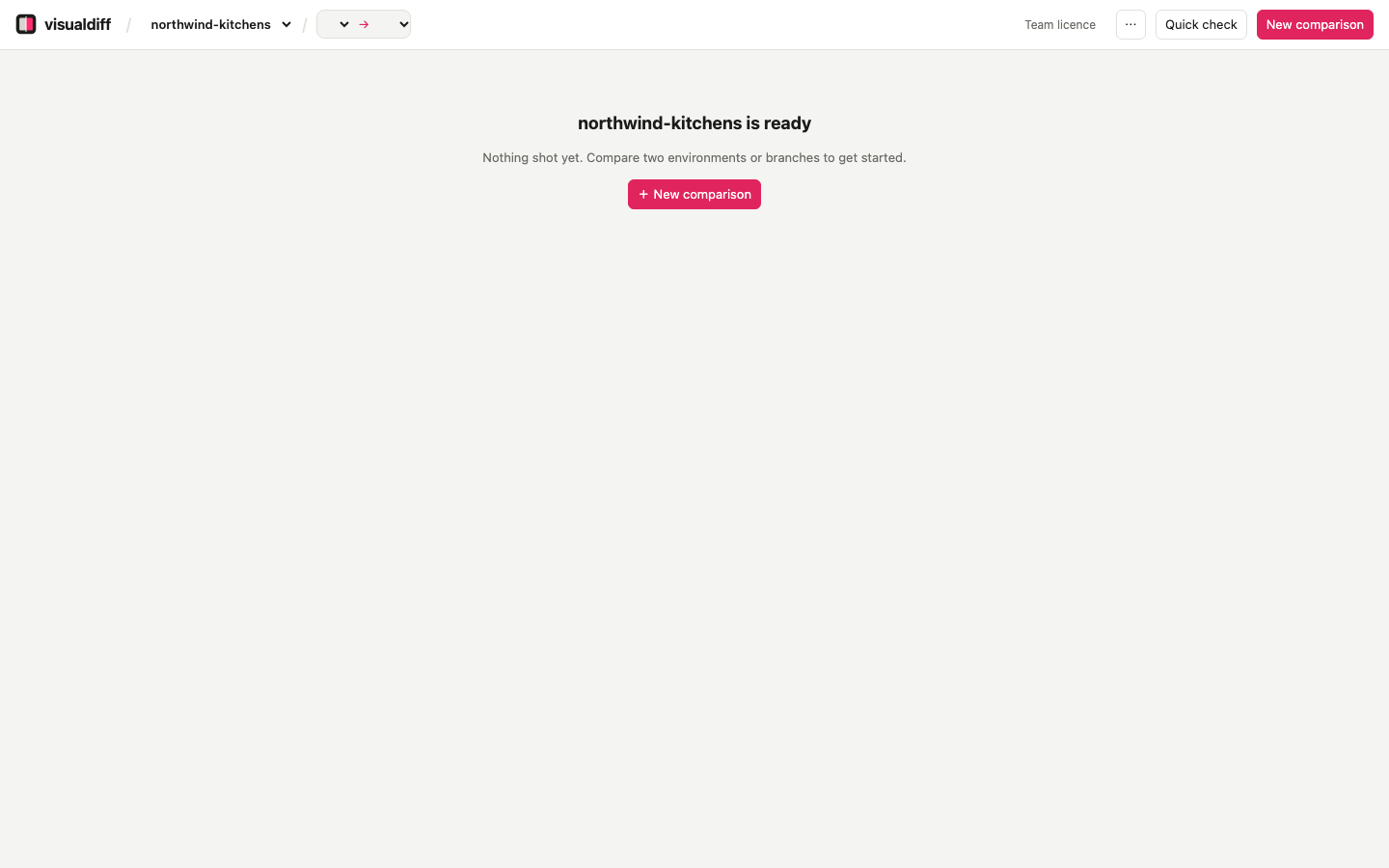
New comparison#
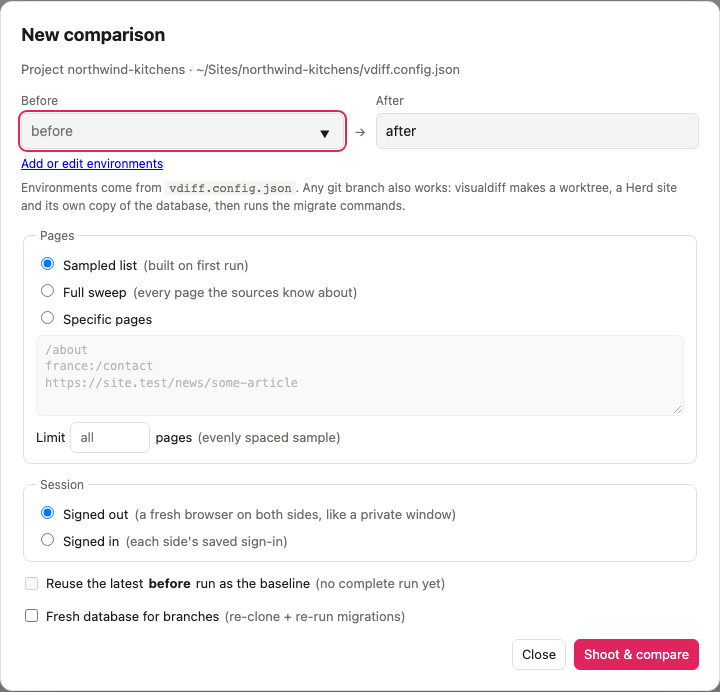
+ New comparison asks for:
- Before and After: environment names from the config (
before,after, or any you add), or the name of any git branch. visualdiff prepares a branch for you; see Compare git branches. - Pages:
- Sampled list (default): every page-builder page plus a few from each section and site. Quick, and it covers everything.
- Full sweep: every page the sources know about. Use it before sign-off.
- Specific pages: one per line, as
/about,french:/contactor a full URL. - Limit: an evenly spaced sample of N pages, for a quick look.
- Reuse the latest before run: when the before site doesn't change (the pre-upgrade copy), only the after side is captured. That roughly halves every re-run.
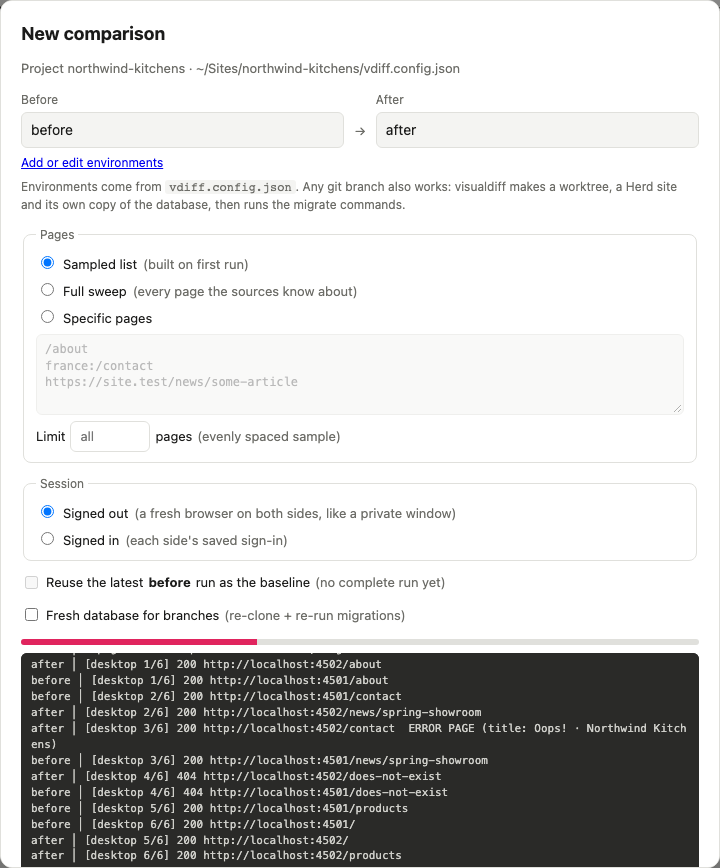
Shoot & compare runs in the background. Both sides are captured at the same time, and each page is compared as soon as both its screenshots exist. The Mac app notifies you when it's done; the menu bar shows progress.
Screen sizes#
Pick which sizes to capture in New comparison or Quick check: Desktop (1440×900), Tablet (768×1024) and Mobile (390×844) to start with. Touch sizes are loaded as a phone or tablet would load them. Add your own, like a 1920px desktop or a small phone, in ⋯ → Screen sizes…: they're offered in every project. In the results, the size toggle above the list shows one size at a time. From a terminal: vdiff compare before after --viewport desktop,tablet.
On the free version#
Without a licence, every comparison covers the same 10 pages: an evenly spaced sample of the sampled list, identical on both sides. Full sweeps, page limits and specific pages need a licence. Sign in to compare every page.
Failed captures#
Sometimes a page can't be captured for reasons that have nothing to do with the site: a Wi-Fi or VPN change, a timeout, a slow local server. visualdiff retries each one, in a fresh browser tab. Whatever still fails is listed as capture failed, separately from pages that are actually broken.
↻ Re-shoot N failed in the results captures just those pages again and re-compares only them.
Re-shooting a page#
After fixing a template, open the page and press ↻ Re-shoot (or r). Only that page is captured again, on both sides, and compared. The rest of the comparison is untouched, and its review stays.
Speed#
Most of a comparison's time is spent loading pages. visualdiff captures both sides at once, compares each page while the rest are still loading, waits for the network to go quiet rather than for fixed delays, and can reuse an unchanging baseline. On a 24-page Craft 3 → 4 comparison that's about 30 seconds, and 20 seconds when reusing the baseline. Your numbers depend on the site.
From the command line#
vdiff compare before after                       # sampled list
vdiff compare before after --full                # full sweep
vdiff compare before after --page /about --page french:/contact
vdiff compare main feature/craft-4               # two git branches
vdiff compare before after --reuse-before        # only capture the after side