Docs
Getting started
Install visualdiff, set up a site and run your first before/after comparison.
visualdiff answers one question during a site upgrade (Craft 3 → 4, a WordPress core update, a Laravel bump, a redesign branch): what looks different now, and is any of it broken?
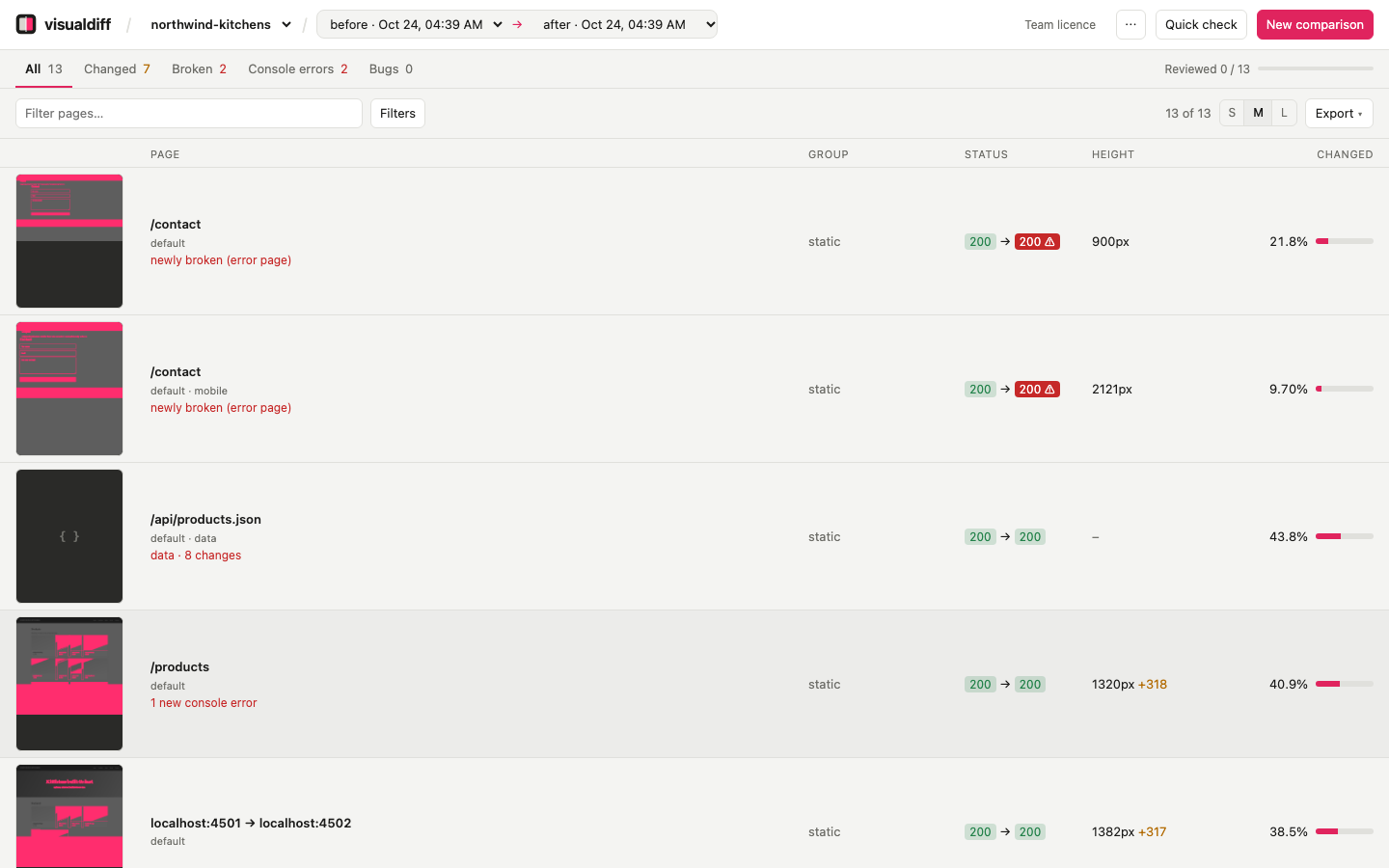
Point it at two versions of a site, a before and an after. It loads the same pages on both, takes full-page screenshots, and shows you what changed, worst first. You work through the list, mark each change as expected or a bug, and export a report.
Install#
- Download visualdiff for Mac. It needs a Mac with Apple Silicon.
- Open the DMG and drag visualdiff to Applications.
- Open it. visualdiff lives in the menu bar and opens its window.
Node and the browser it captures pages with are built in, so comparing two URLs needs nothing else. Comparing git branches uses the git, PHP and MySQL you already have for local development (and Herd, if you use it).
Your first comparison#
- Set up a project. Choose + Set up a project and pick the site's repo folder. visualdiff works out what kind of site it is and where its pages come from. See Set up a project.
- Compare. Choose + New comparison, pick before and after (two local sites, or two git branches) and press Shoot & compare. See Run a comparison.
- Triage. Results are listed worst first. Open a page, compare the two versions, mark it expected or bug. See Read the results.
- Report. Export → Markdown gives you the upgrade report for the client or the ticket. See Review and report.
Just two URLs?#
Quick check (in the header, or on the welcome screen) compares two URLs without setting anything up: paste them, and visualdiff captures both on desktop and mobile and shows what changed. The paths can differ. From a terminal: vdiff check https://acme-c3.test/about https://acme-c4.test/about.
Free version and licences#
Without a licence, visualdiff is free for up to 10 pages per comparison: an evenly spaced sample of the page list, the same on both sides, so every section still gets a look. There's no account and no time limit.
A licence compares every page. Choose the Free · 10 pages badge in the header, then Sign in with browser. See Licences and your account.
How it works#
- Pages. visualdiff asks the site which pages exist. It reads the Craft database, loads WordPress, Statamic or Filament, walks Laravel's routes, or reads a sitemap. By default it takes a sample: every page-builder page plus a few per section, product type and category. A full sweep takes everything.
- Capture. A headless browser visits every page on both sides, at every viewport. Before each screenshot it switches off animations, loads lazy images, and blocks analytics, chat and tracking scripts. It records the HTTP status, console errors and page height. API and data URLs are compared as data instead.
- Diff. Every pixel is compared,
|before − after|. Identical areas go black and changes light up. visualdiff measures the share of the page that changed, finds the changed regions, and flags pages that broke. - Triage. You review each change and export a report.
Everything visualdiff stores lives on your Mac, in ~/.vdiff. The only file it writes into your repo is vdiff.config.json.
The command line#
Everything in the app can also be done from a terminal. Choose Install command-line tool… in the visualdiff menu to add the vdiff command:
cd ~/Dev/acme
vdiff init --before https://acme-c3.test/ --after https://acme-c4.test/
vdiff compare before after
See the configuration and command reference.